Connections overview
What connections are, the three kinds, and how to create and manage them.
A connection is a saved, reusable link to an external service, with its credentials and settings stored securely. You create a connection once and then reference it from any agent or workflow in the project — so secrets live in one place, not scattered across your work.
Connections are managed under Studio → Connections, and each one belongs to the project you're working in.
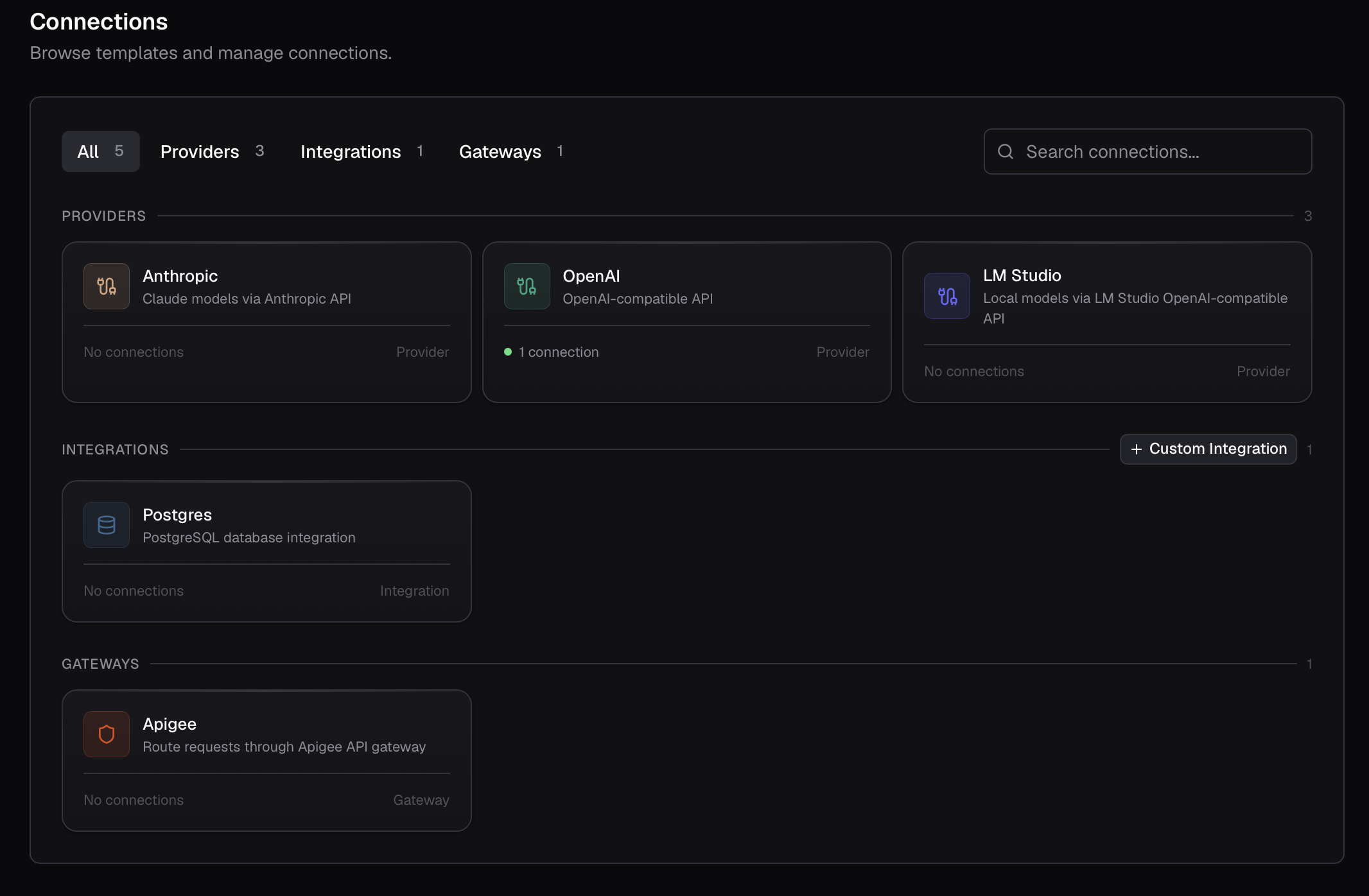
The three kinds
Every connection is one of three kinds, depending on what it links to.
Config and credentials
When you set up a connection, you fill in two kinds of fields:
- Configuration — non-secret settings such as a base URL or a header name. These are stored as plain values and shown whenever you edit the connection.
- Credentials — secrets such as an API key, token, or password. These are encrypted at rest and never shown again after you save. To change a secret, you re-enter it; Compass never displays the stored value.
Required fields and credentials are shown first; optional, non-secret settings are tucked under an Advanced section.
Authentication
Integrations and providers authenticate in one of a few ways, chosen to match the service:
| Auth type | What you provide |
|---|---|
| API Key | A single key or token. |
| Username & Password | A username and password pair. |
| HTTP Basic | Basic-auth credentials (RFC 7617). |
| None | Nothing — the service needs no auth. |
Which options appear depends on the service you're connecting.
Creating a connection
Open Connections
Under Studio, click Connections.
Choose what to connect
Pick the provider, integration, or gateway you want, then click New connection.
Fill in the details
Work through the form: give the connection a clear name, choose an authentication method and enter its credentials, and set any configuration the service needs. Providers also let you pick a default model, and can route through a gateway.
Save
Compass validates the connection as it saves and shows its status.
Connection status
Each connection shows a status indicator: Connected when Compass could reach the service with the credentials you gave, or Error when it couldn't. Status is checked automatically when you create or update a connection. A connection in an error state can't be used in an execution until it's fixed.
Coming soon
On-demand re-testing of a connection from the UI is on the way. For now, status is refreshed whenever you save the connection.
How connections are used
Connections are what your work points at when it needs the outside world:
- Agents select a provider connection as their model. See Building an agent.
- Integration nodes and agent tools use an integration connection to call a service or query data. See Giving agents tools and Node types.
- Gateways, when configured on a provider connection, sit in front of its model calls.
Because the credential lives on the connection, you can swap or rotate it without touching any agent or workflow that uses it.